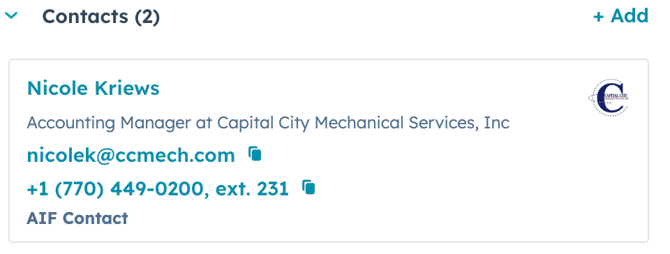
1.) If there are more than one contact from the account that is associated with the deal, then the user must explicitly label which contact should be added to the AIF by adding the "AIF Contact" association label.
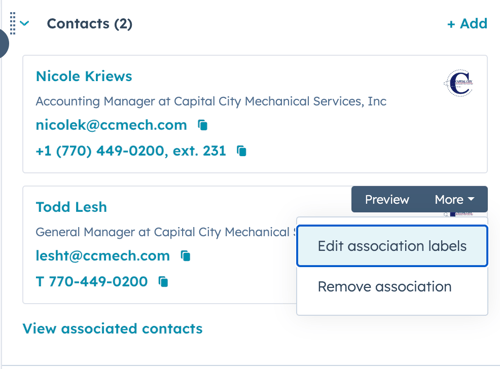
2.) Hover over the contact that will be shown on the AIF. Click the "More" dropdown menu and click "Edit association labels".
3.) Select the "AIF Contact" label & Click Update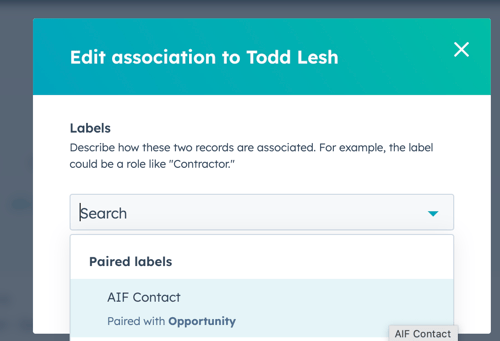
4.) The Contact will now have a label of "AIF Contact" and will be added to the AIF document