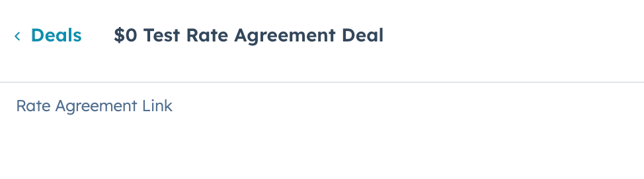
- The "Send Rate Agreement Link Workflow" sends the Rate Agreement email to the client with a link to the rate agreement. The link to the rate agreement should be entered into the "rate agreement link" property on the Deal record.
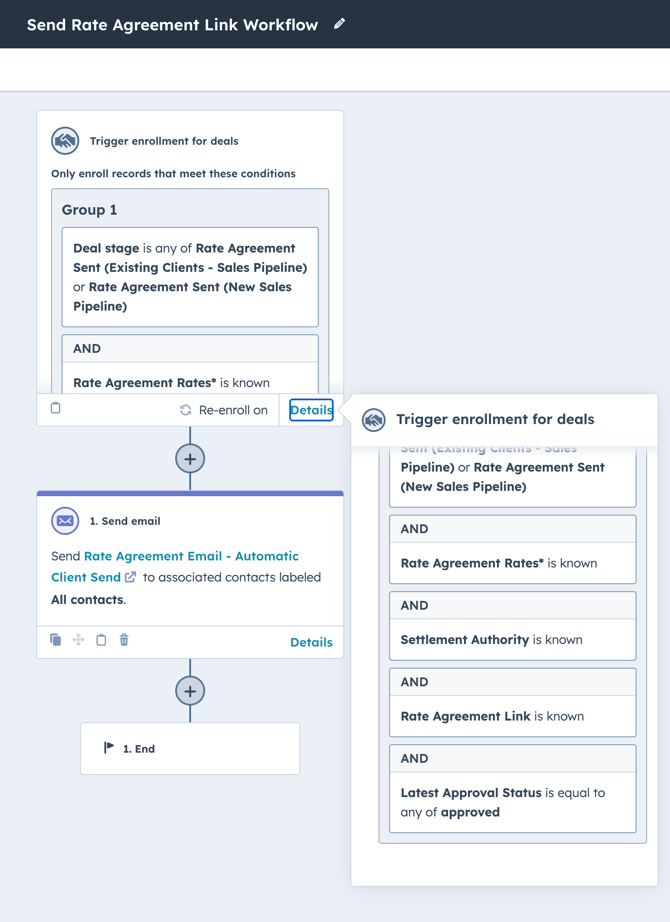
- The workflow is triggered when the deal has been "approved", has a deal stage of "Rate Agreement Sent", and the rate agreement rates, settlement authority, and rate agreement link properties are completed on the deal record.
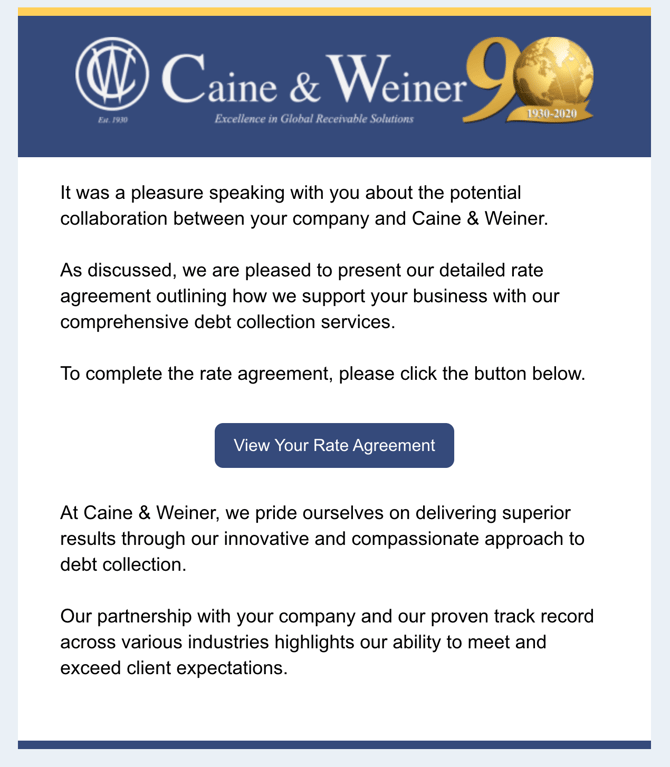
- Once the workflow is triggered, the following Rate Agreement email will be sent to the contacts associated with the deal.

- The client will receive the following email: