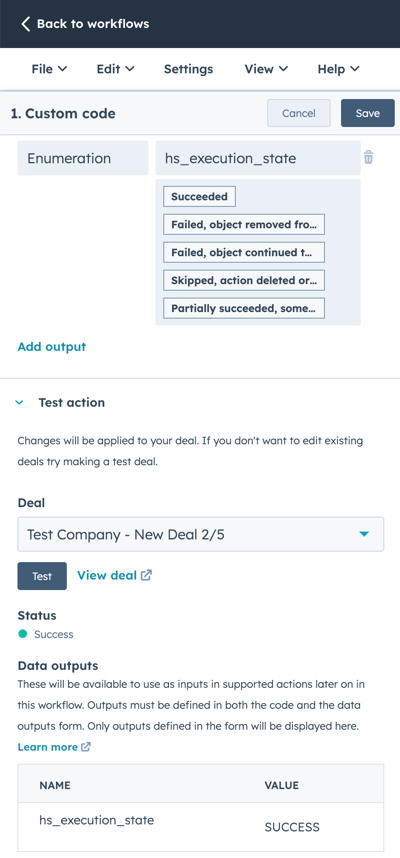
In the event that the AIF Creation workflow does not automatically create an AIF document, you can following the process below to manually trigger the workflow.
- Go to the "AIF Creation Workflow".
- Click on the "Custom Code" workflow action.
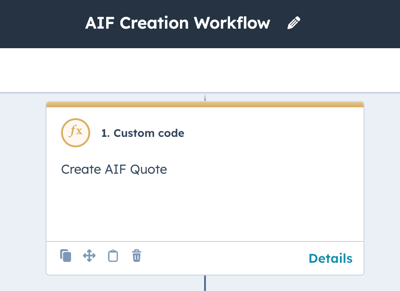
- Scroll to the bottom of the custom action where it says "Test Action" and select the deal that needs an AIF created and click the "Test" button.
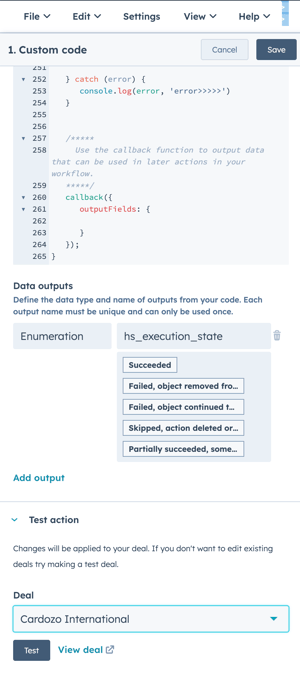
- If the code executed correctly, you will see a "SUCCESS" status and the deal in question should have a new AIF associated with it.
NOTE: If you do not receive a success message, make sure that the deal is associated with a contact and company record. If the deal has more than one associated contact, ensure that one person is listed as the AIF Contact, as detailed here.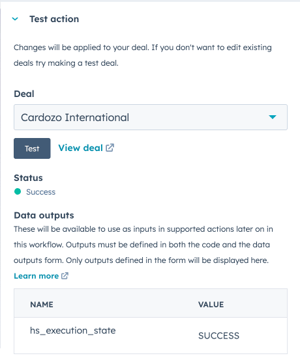
- Upon completion of creating the AIF, click the "Cancel" button on the custom code action and click the "< Back to workflows" link to exit the AIF Creation workflow.
NOTE: DO NOT save the custom code block or update the workflow.